Symbol chart#
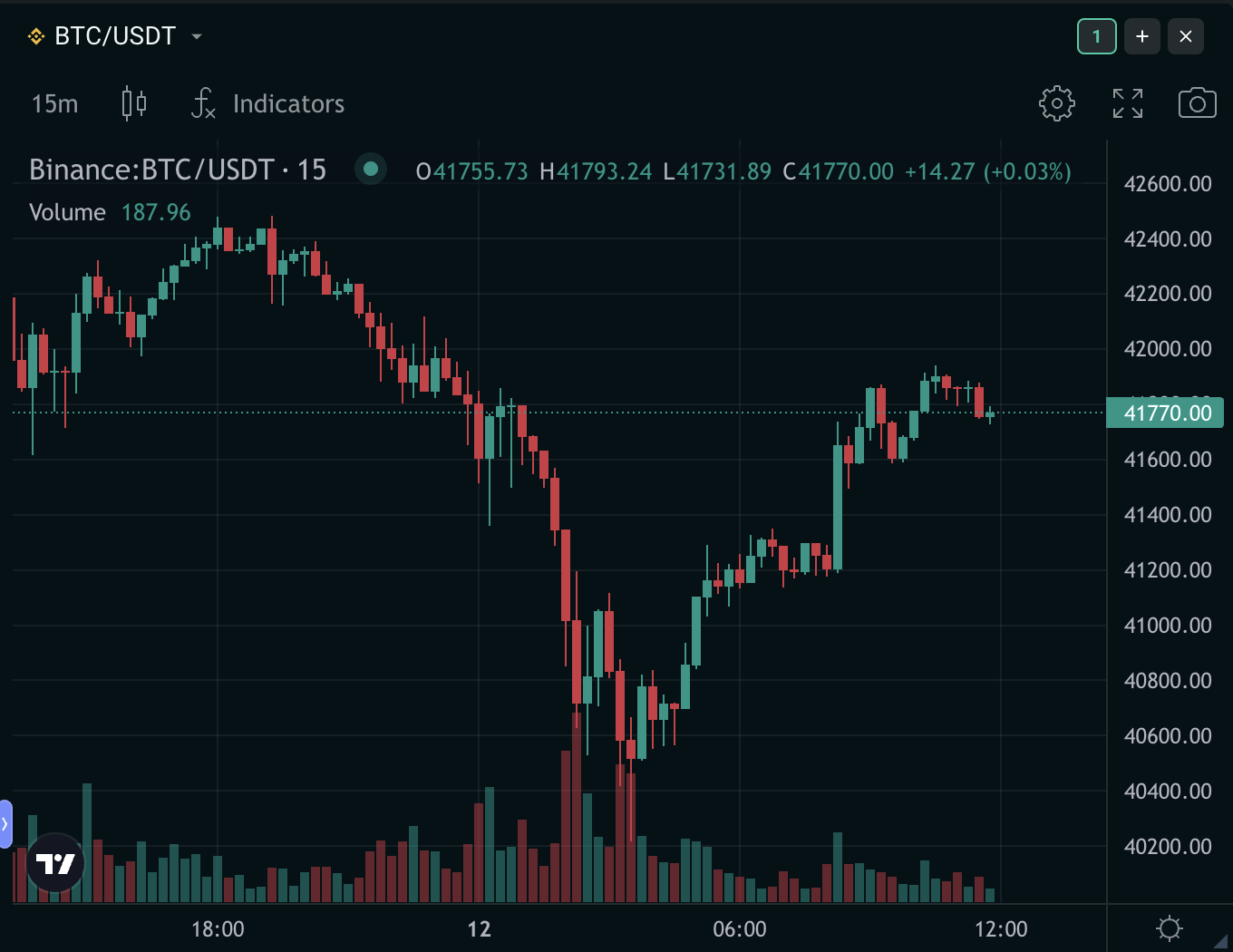
The Symbol chart is your window into the price movement of an asset pair, powered by TradingView. You can customize it with the Drawings Toolbar at the bottom left of the chart.
You can also pick your preferred chart type. The default view is the candlestick chart, with alternatives including line, area, and baseline charts, among others.
Order prices on the chart#
The chart follows the order form of its group. When you set a price in that form, it appears as a line on the chart: Limit, Trigger price, Would price, and for Scale orders Start scale price and End scale price. Drag a line to change the price; the order form updates with it.
Options#
- You can have up to 4 charts on the page.
- Change the symbol from the selector in the widget header. Charts in the same group as an order form and orderbook follow the same symbol.