Portfolio#
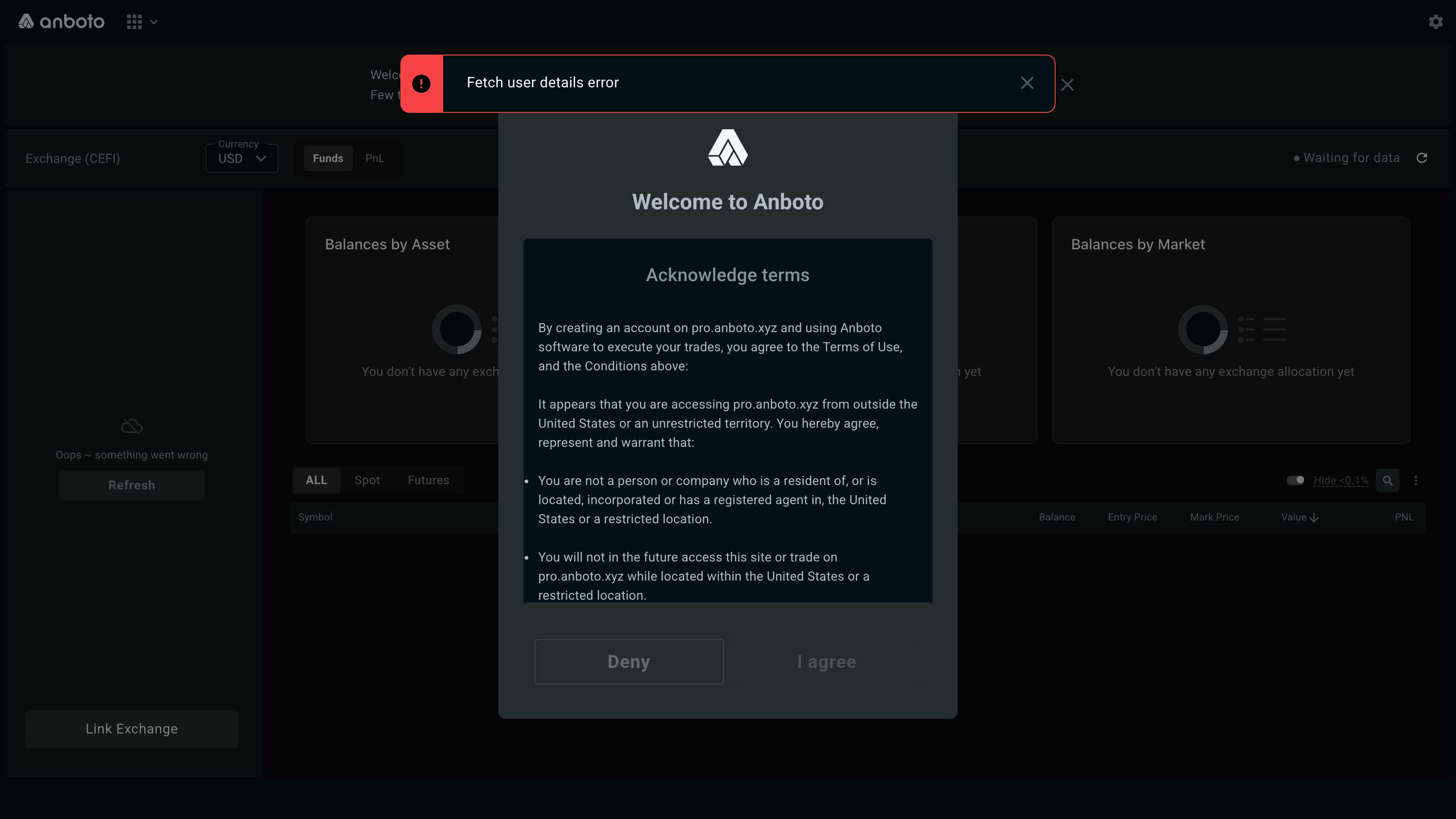
The Portfolio section (pro.anboto.xyz/portfolio/cefi/funds) is your dashboard for all connected funds: it aggregates the balances of every venue account you have connected. The overview is customizable — you choose which connected venues appear in it. The same view is available as the Portfolio tab of the order panel; see Managing Orders.
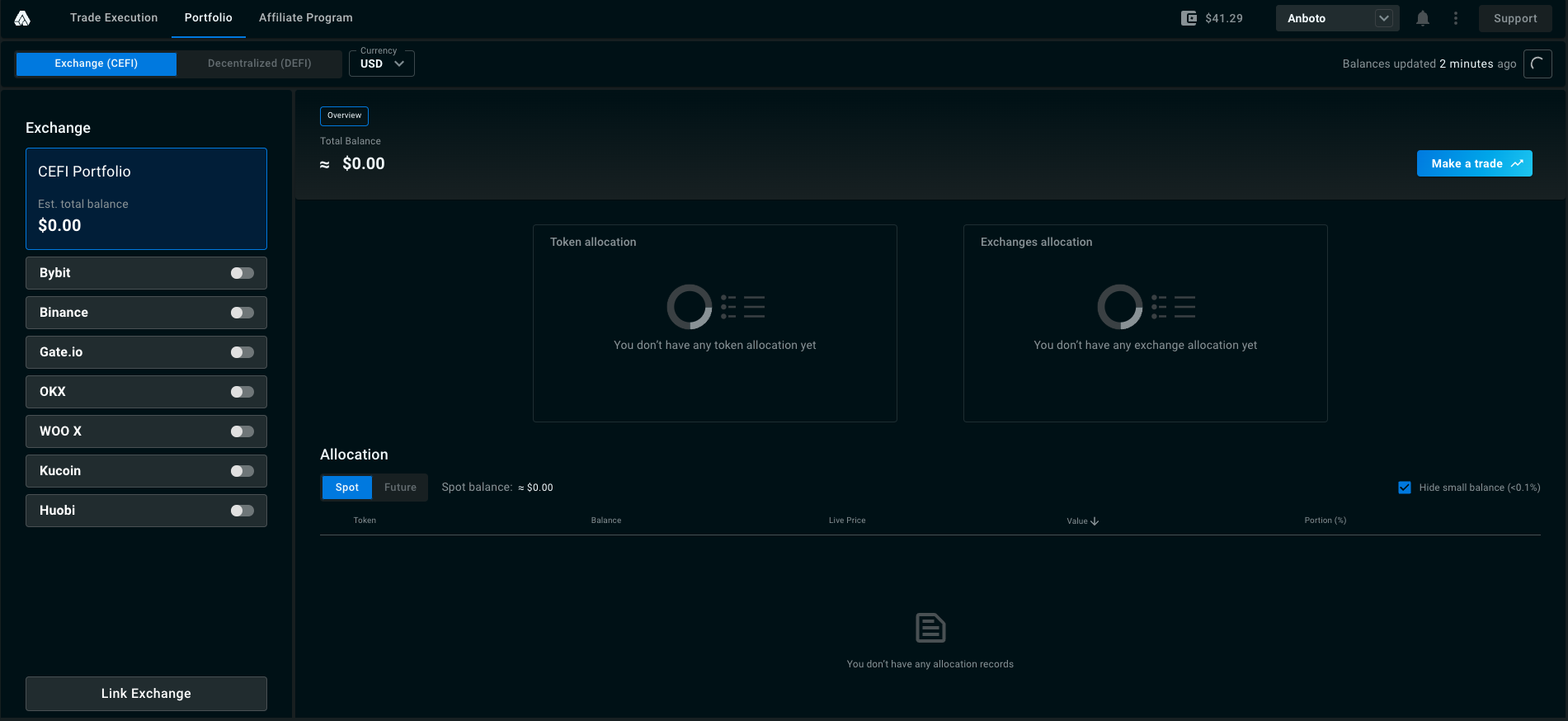
Before following these steps, make sure you have connected your venues. Once connected, each one appears under Linked exchange in the left column.
Step 1: Select the venues you want to include in your portfolio view. Toggle one on or off with the switch next to its name.
Step 2: With every linked venue toggled on, you get a unified view of your holdings across all of them.
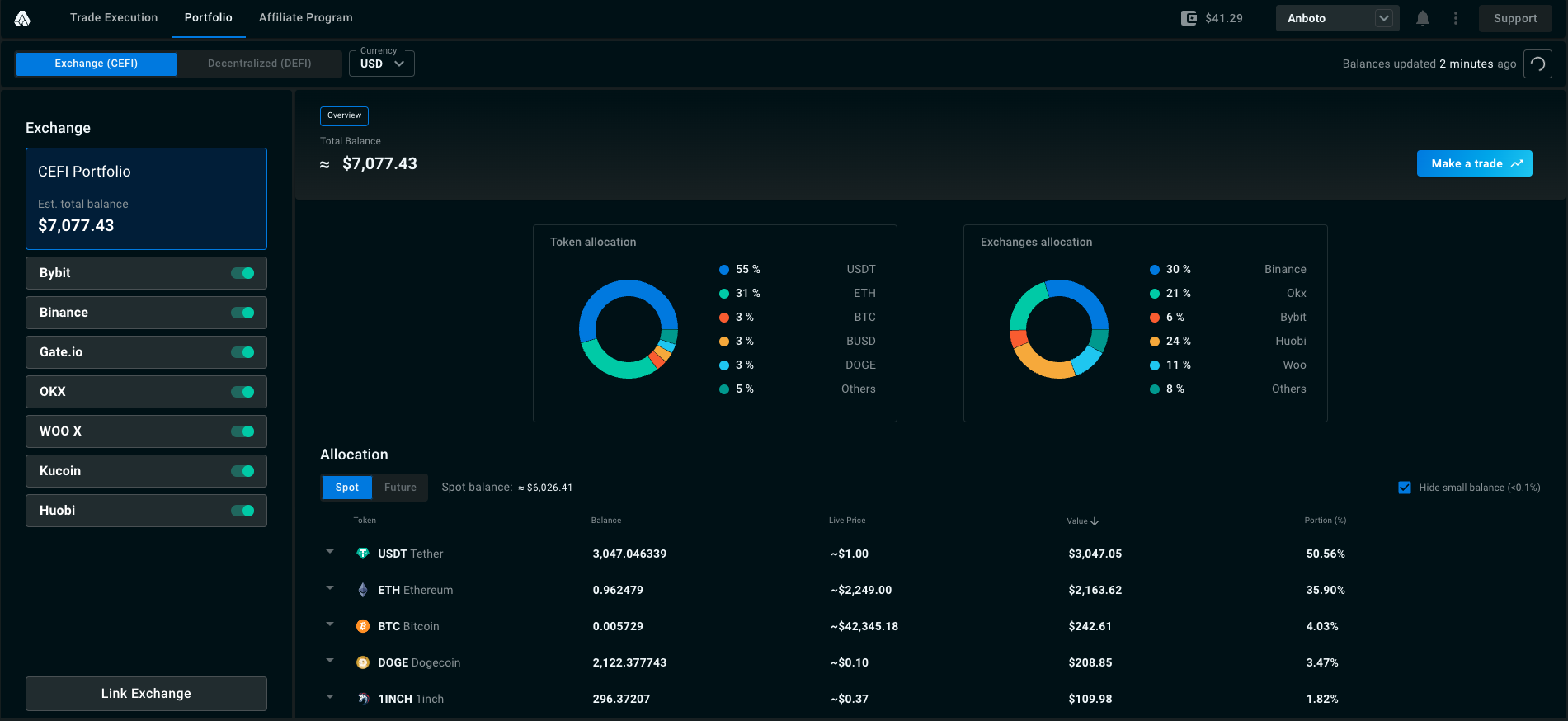
If you have never chosen venues for a team, the portfolio starts with all of that team's connected venues selected. A selection you made yourself, including an empty one, is kept.
Market type and margin ratio#
On the Funds page, the ALL / Spot / Futures tabs filter the holdings by market type. When a single venue is selected and the Futures tab is active, three account figures appear next to the tabs:
- Account Equity
- Maintenance Margin
- Margin Ratio, shown as a percentage.
A figure shows - when the venue does not report it.
PnL#
The PnL tab, next to Funds at the top of the Portfolio page (pro.anboto.xyz/portfolio/cefi/pnl), tracks your daily profit and loss for the selected venue, or for all venues together.
- Scope chips: Total, Spot, Future.
- Benchmark: overlay BTC, S&P (SPY) or Nasdaq (QQQ) on the performance chart.
- Period chips: 7D, 30D, From start.
- Headline figures: Today's PnL, the PnL over the selected period, and From start (with the date history begins). Sharpe and Max DD appear once there is enough daily history.
- Chart: cumulative PnL, with the equity drawdown in a lower pane.
- Position PnL and Exposure cards: unrealized PnL per current position, and long/short exposure.
- Daily table, one row per day: Date (UTC), Daily PnL, Daily uPnL, Daily PnL %, Cumulative, Equity close, uPnL close, Net flow.
Rebuild from exchanges erases the stored daily PnL for the account and fetches a fresh ~30 days from the venues. A confirmation dialog, Erase PnL history and recompute?, asks you to confirm with Rebuild. Use it when a day looks wrong or a venue seems stuck on old numbers.
The first time you open the tab for a venue, there is no history yet: click Fetch 30 days of PnL history to import the last ~30 days. While the import runs you can reload the page; the import keeps going.
PnL is currently available for Binance, Hyperliquid, Lighter, Bybit, OKX and WOO X. For other venues, the tab shows PnL not available for the venue.
Refreshing balances#
Balances and positions update live. The refresh button on the Portfolio tab of the trade page asks the venues for a fresh snapshot: it shows Updating until new data arrives, then Updated. If the refresh fails, a message tells you so, and the figures shown are the last ones received.
When you have sub-accounts linked, filter chips on the trade page's Portfolio tab scope it to one account: All accounts, Main, or a sub-account by name. The headline figures follow the selection.
The Portfolio tab's headline figures (Est. Total value, Spot Asset value, Future Margin Balance, and futures uPnL) are the same ones shown in the mobile view.