Widgets Workspace#
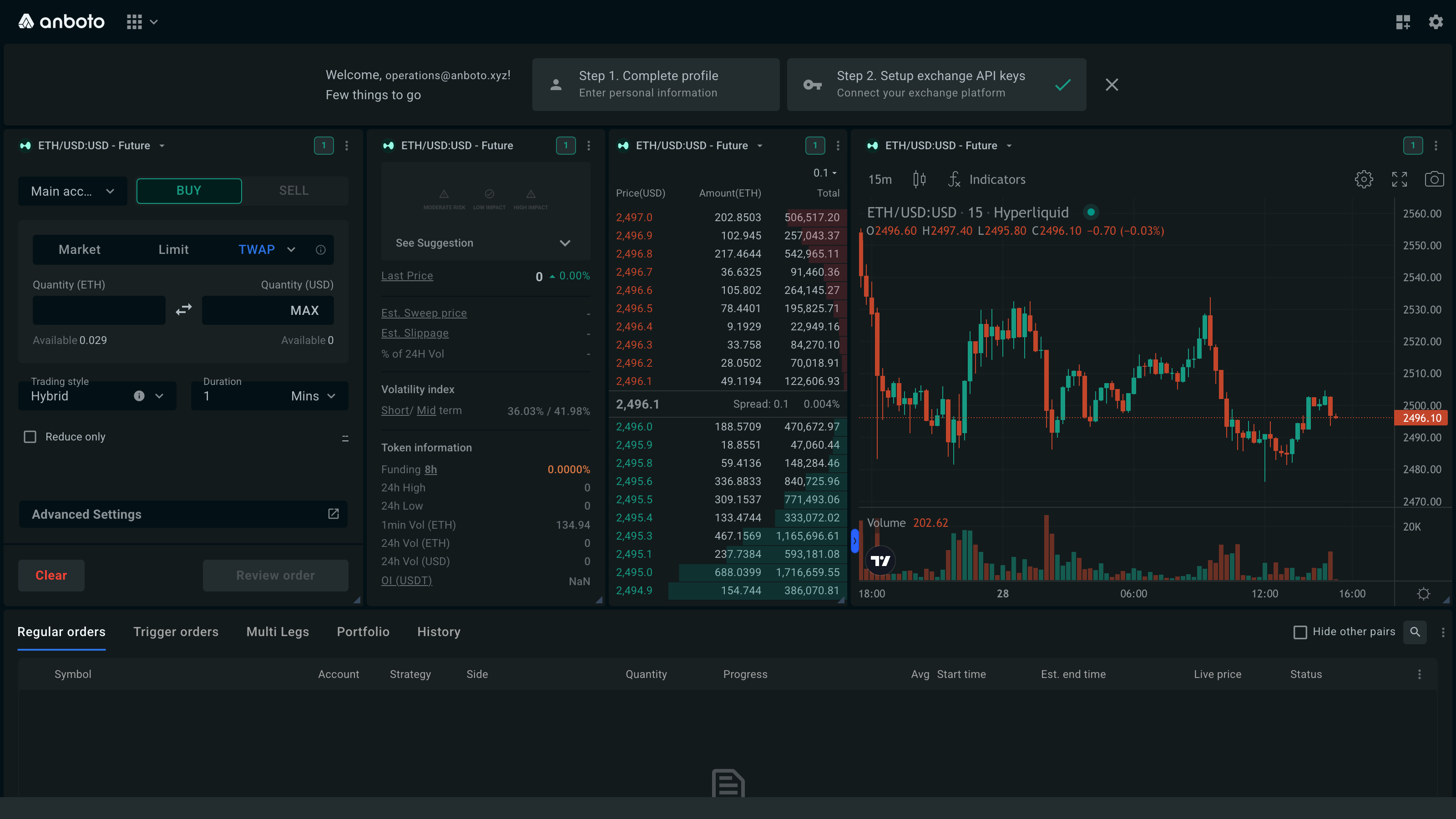
The trade page is a workspace of widgets: order form, chart, orderbook, orders table and more, laid out on a grid you can rearrange. It is always on for every trader; there is nothing to enable in Settings.
You change the layout from the layout menu: the grid icon in the top navbar, next to the gear (Settings). The menu appears on the trade page and on the OTC page.
Preset layouts#
The Layout section of the menu offers three presets, followed by the layouts you saved yourself.
Basic#
A single-symbol view: a ticker bar on top, then the Order form, Orderbook, Symbol chart and Markets widget side by side in one trading row, with the Orders table below. Basic hides the widget headers and locks the layout, for a clean screen. On windows narrower than about 1200px, the Markets widget moves under the trading row.
It suits traders who want to concentrate on one asset pair.
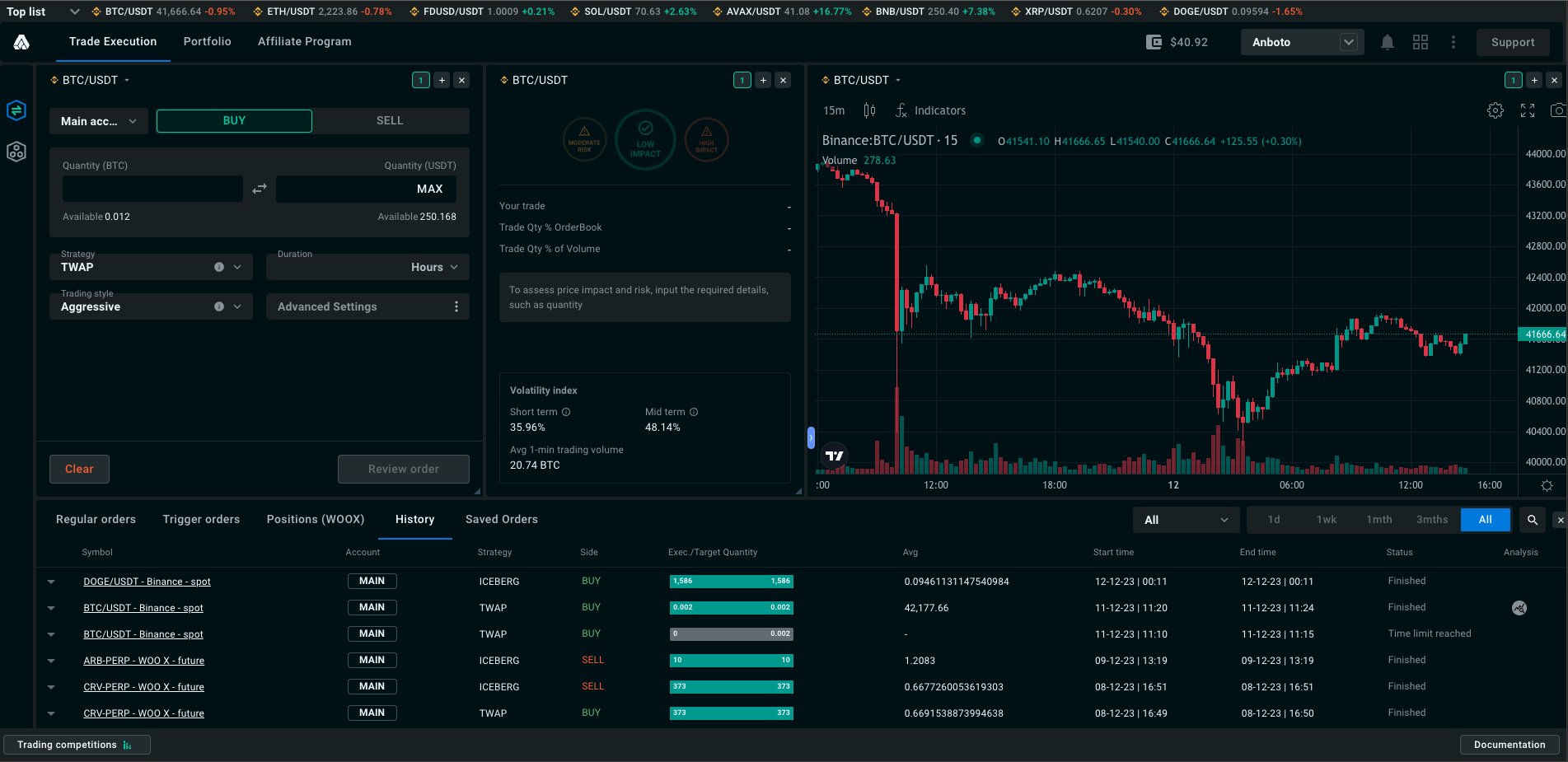
Advanced#
Also built around one symbol, with the pre-trade analysis on screen: Ticker, Order form, Price impact, Orderbook, Symbol chart and Orders table. All widgets share the same symbol group, so changing the symbol in one updates the others.
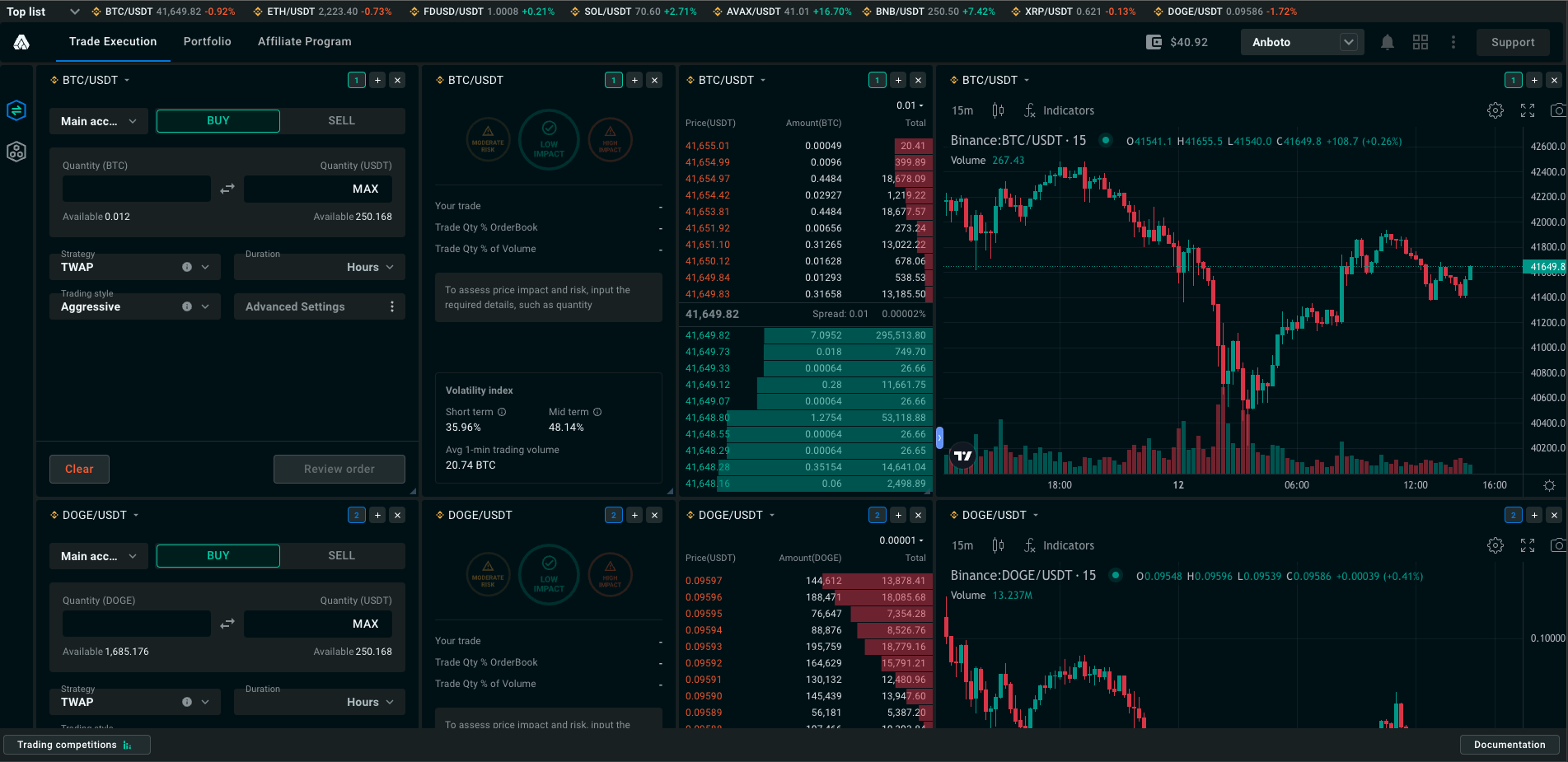
Multi legs#
The layout for pair and multi-leg orders: the Multi Legs form, the Multi Legs chart, and an orders table for multi-leg orders, which only appears in this layout.
Change your layout#
- Open the layout menu with the grid icon in the top navbar, next to the gear.
- Pick a preset under Layout: Basic, Advanced or Multi legs. Picking one replaces the current arrangement.
- Add or remove widgets under Widgets. Each row shows the widget name and a counter such as 1/4 (on the page / maximum per page). Click the row or its + to add one; + disappears once you reach the maximum. − removes the most recently added instance of that widget.
-
Unlock to move and resize. The chip next to Widgets shows the mode:
- Locked: widgets stay in place.
- Unlocked (amber): drag a widget by its header to move it, and drag its bottom-right corner to resize it.
Click the chip to switch. Adding a widget unlocks the layout automatically so you can place it. 5. Show or hide headers with Show headers / Hide headers at the right of the Widgets row. Headers carry the symbol selector, the group selector and the widget menu; hide them for a cleaner screen once your layout is set. 6. Use the widget menu. When the layout is unlocked and headers are shown, each widget header has a ⋮ menu with: - Add: a compact list of widgets to add; - Remove: remove this widget; - Show header / Hide header: the same switch as in the layout menu (it applies to all widgets); - the widget's own options, where it has any (for example Show order review on the Order form, or the icon and column settings of Markets). 7. Group widgets that should follow the same symbol. The small numbered button in a widget header opens the group list: Group 1 to Group 5, or No group. Widgets in the same group share the symbol: change it in one and the others follow. This is how you watch two symbols side by side, for example an order form, chart and orderbook in Group 1 and another set in Group 2. The Ticker and Price impact widgets must belong to a group. 8. Save your own layout. Click Save yours under Layout, type a Layout name in the Save dialog and click Save. Your layout appears next to the presets. You can keep up to 6 saved layouts; Save yours disappears when you reach that number. Hover a saved layout to rename it (pencil icon, top left) or delete it (×, top right).
Narrow windows
The Order form keeps a minimum width. When the window gets narrower, the Symbol chart gives up space first, then Markets, then the Orderbook.
Widgets#
| Widget | What it does | Max per page |
|---|---|---|
| Order form | Place Market, Limit and algo orders, with pre-trade analysis and trigger / limit conditions inline | 4 |
| Symbol chart | TradingView price chart of the symbol | 4 |
| Ticker | One-line bar with price, 24h change, funding, volume, open interest and 24h range | 1 |
| Orders table | Your running, trigger, multi-leg and past orders, and your portfolio | 1 |
| Price impact | Standalone pre-trade analysis: participation, order-book depth, volatility | 4 |
| Orderbook | Live bids and asks, spread, price grouping | 4 |
| Markets | Top coins by market cap across all venues, favourites and coin details | 1 |
| Multi Legs form | Ticket for pair / multi-leg orders | 1 |
| Multi Legs chart | Chart of the leading leg with the spread to the lagging leg | 1 |
The Multi Legs form is listed only if multi-leg trading is enabled for your account.
OTC page#
The OTC page (/trades/otc) has its own workspace and a single Basic layout. Its widget set is smaller: Order form (up to 5), Symbol chart (up to 4) and Orders table (1).