Billing#
Your Anboto subscription is managed on the Billing page in the app.
Starting a subscription#
Open Billing and choose how you want to pay:
- Subscribe with credit card — secure checkout, activated instantly. Other payment methods are available under Other payment methods.
- Contact your Account Manager — for invoicing or a negotiated plan, your account manager sets the subscription up for you.
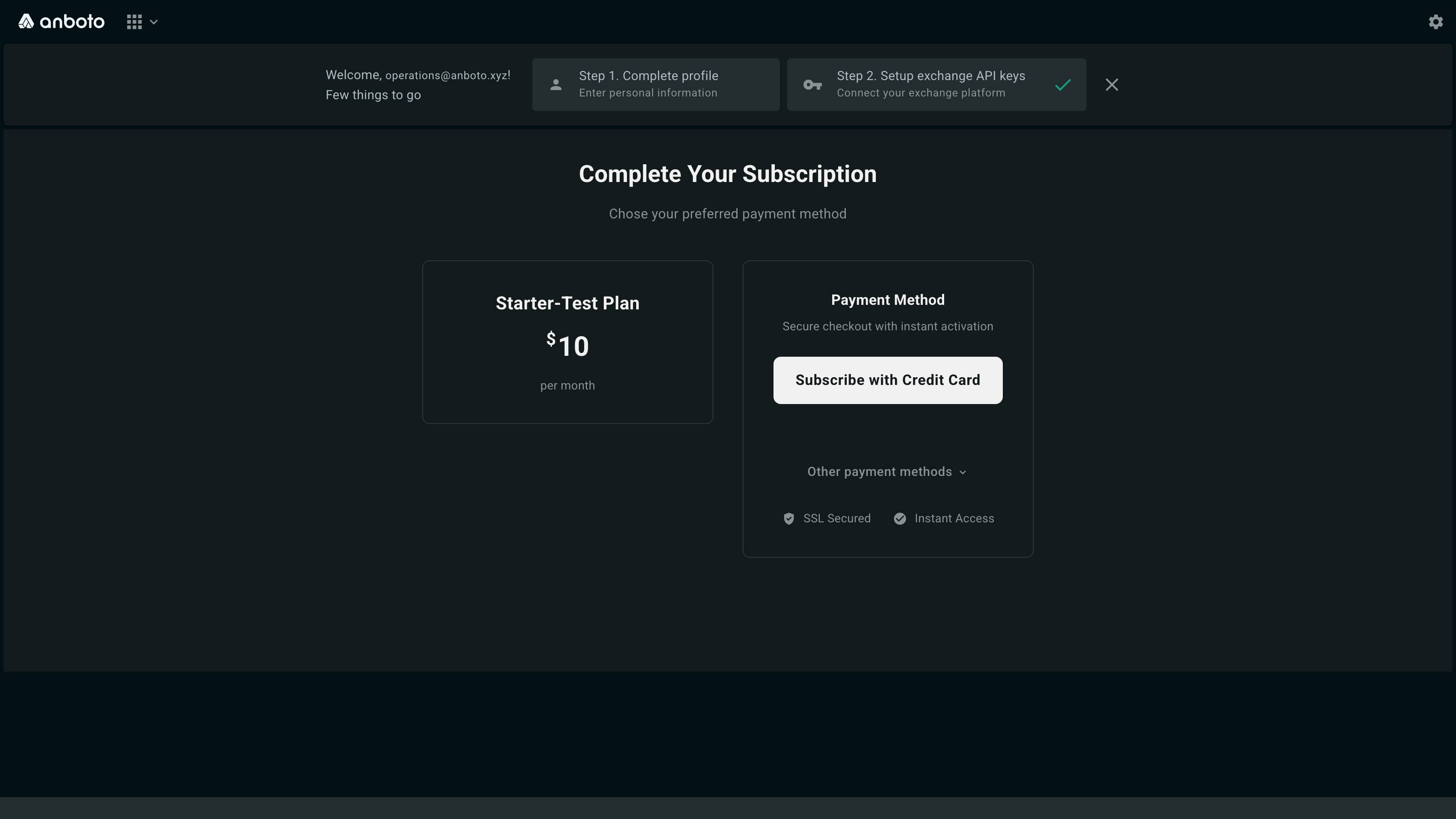
Your plan and its monthly price are shown on the same page once the subscription is active.
Execution fees#
Subscription and execution fees are separate: the subscription covers your access to the platform, while execution fees are charged on the volume you trade. See Fee Rates for the volume tiers.
Note
Anboto never holds your trading funds. Billing only covers your Anboto subscription and fees — your capital stays on your own exchange accounts.