Teams & Accounts#
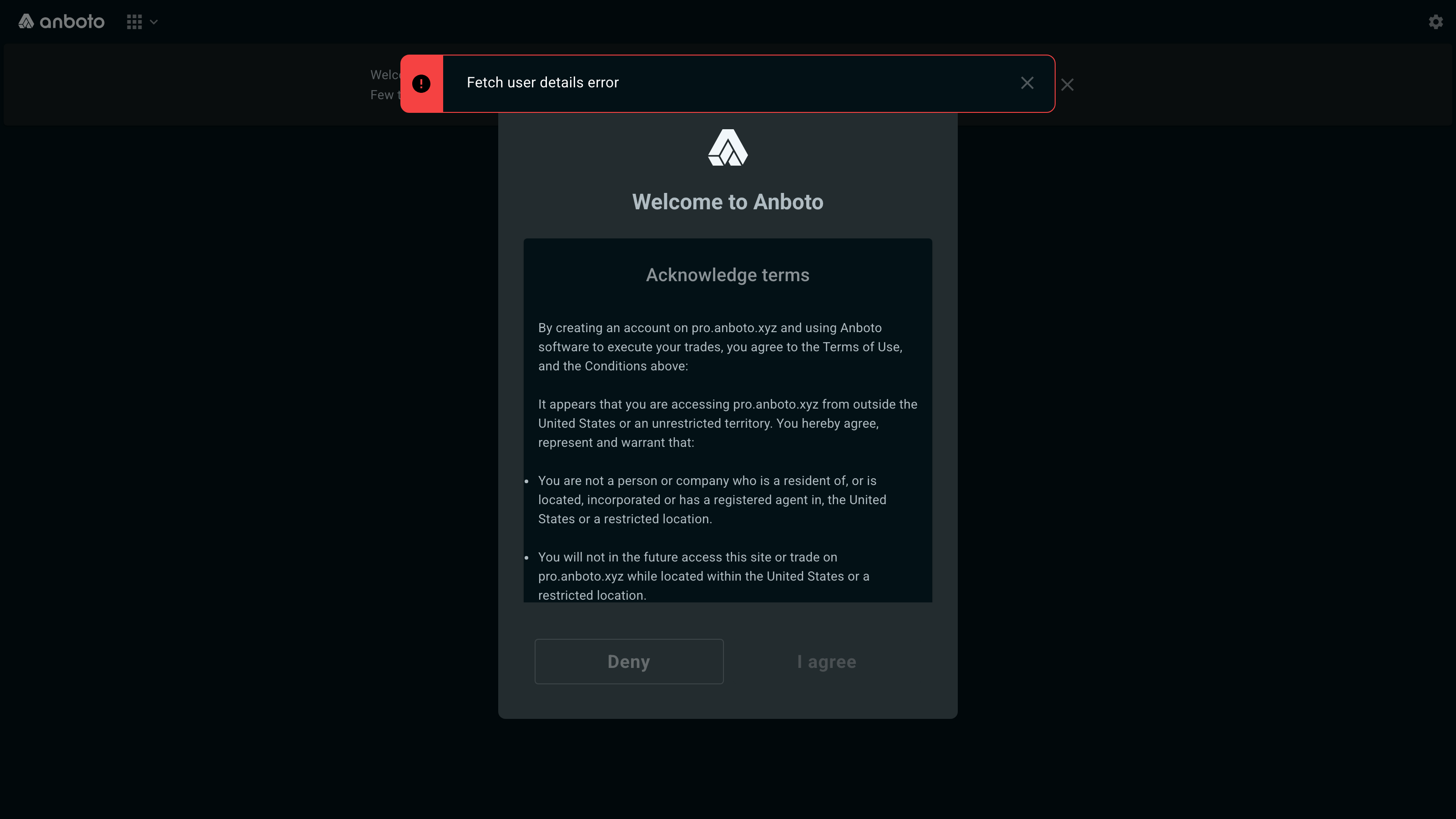
Anboto lets you trade from an individual account or a shared team account. By default, you have access to one account. If you need access to more, open Settings → Account and click Request more accounts at the top right.
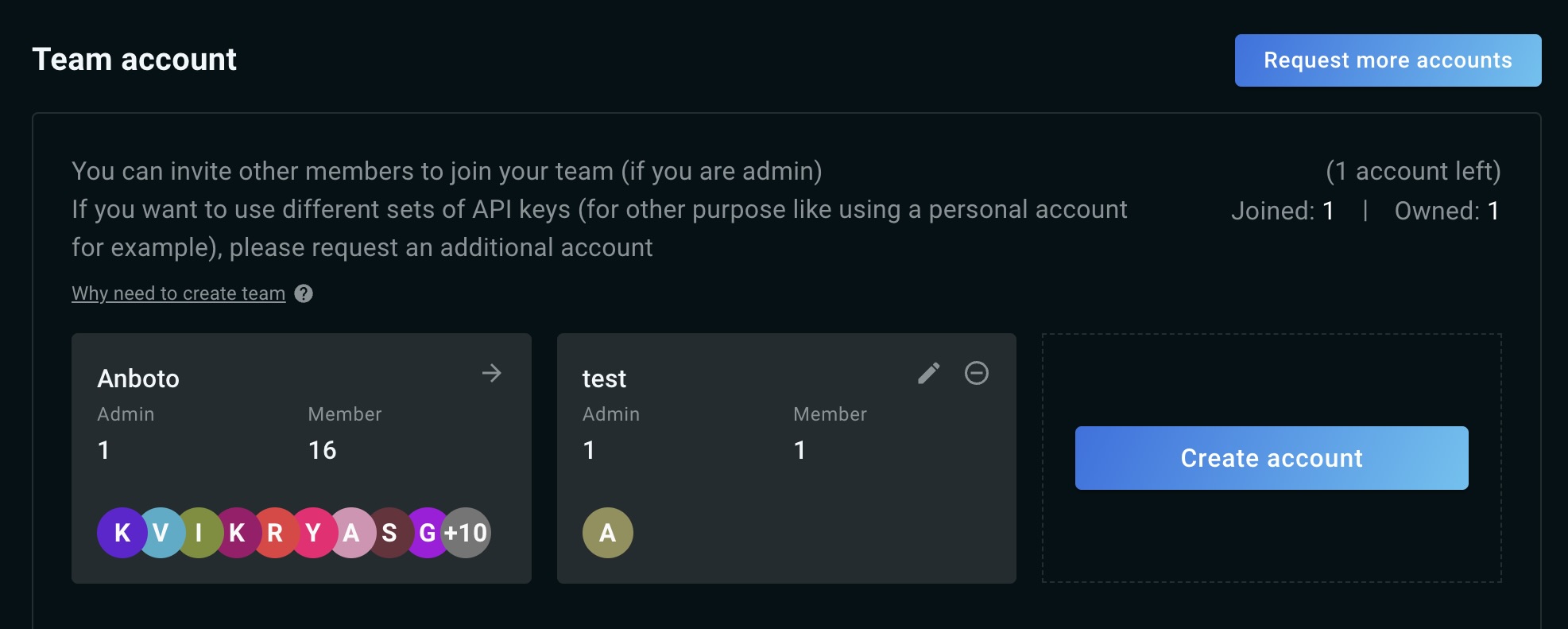
A team account gives your group one shared Anboto account that each member logs into with their own credentials, making collaboration easier and giving everyone the same view while trading. (Team members are separate logins on the shared account — not to be confused with exchange sub-accounts, which are the accounts you link under a single venue connection.)
If you didn't invite your team during onboarding, you can do so at any time from Settings → Account (pro.anboto.xyz/settings/account). There are three options to choose from:
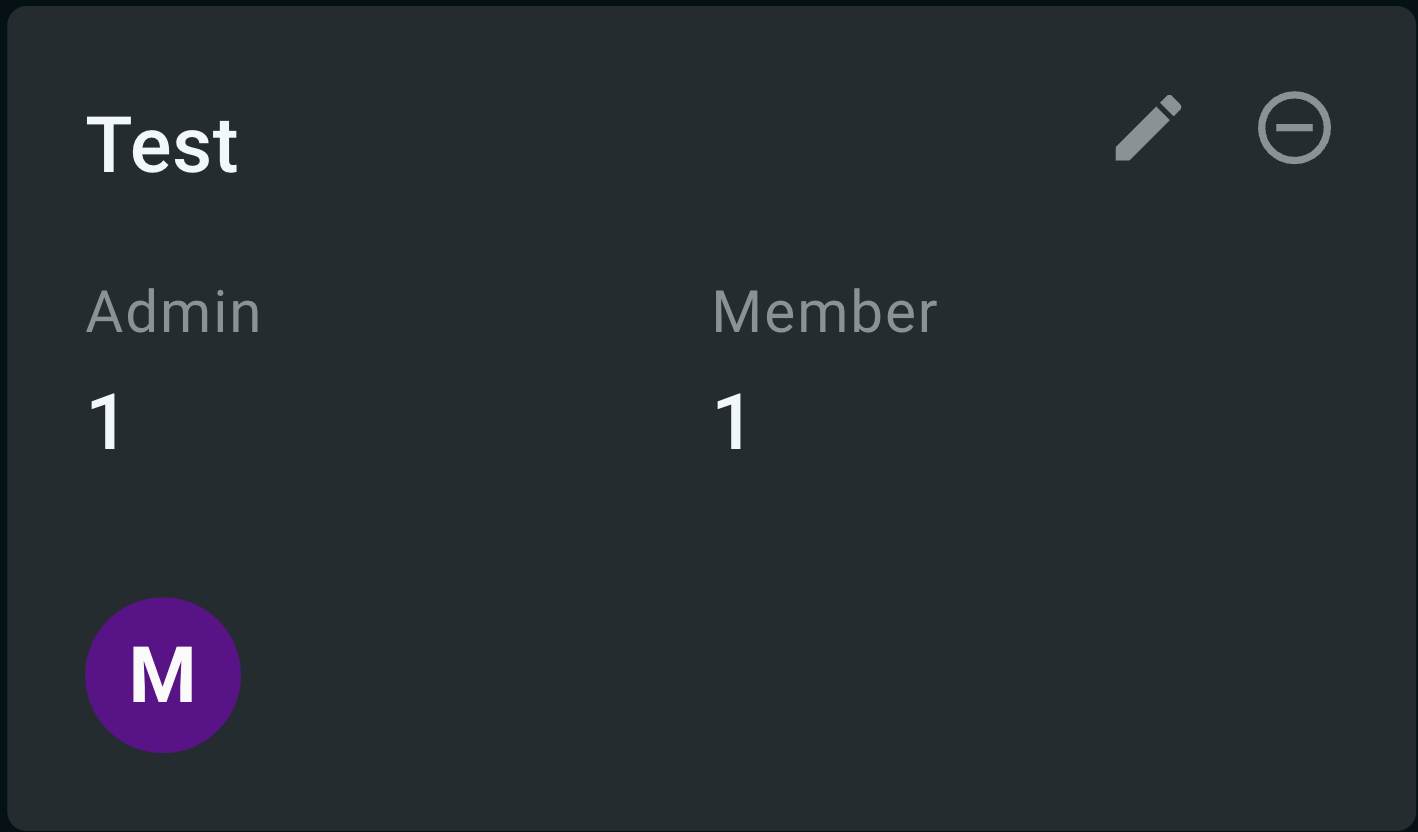
Step 1: Click the arrow at the top right of the account card. The Account details window lists every member with their access (Trade or View only) and role (Admin or Member). Admins can switch another member between Trade and View only, and change their role; a View only member sees the account but cannot place or cancel orders.
Step 2: Enter the email addresses of the team members you want to invite, then click Send invite.
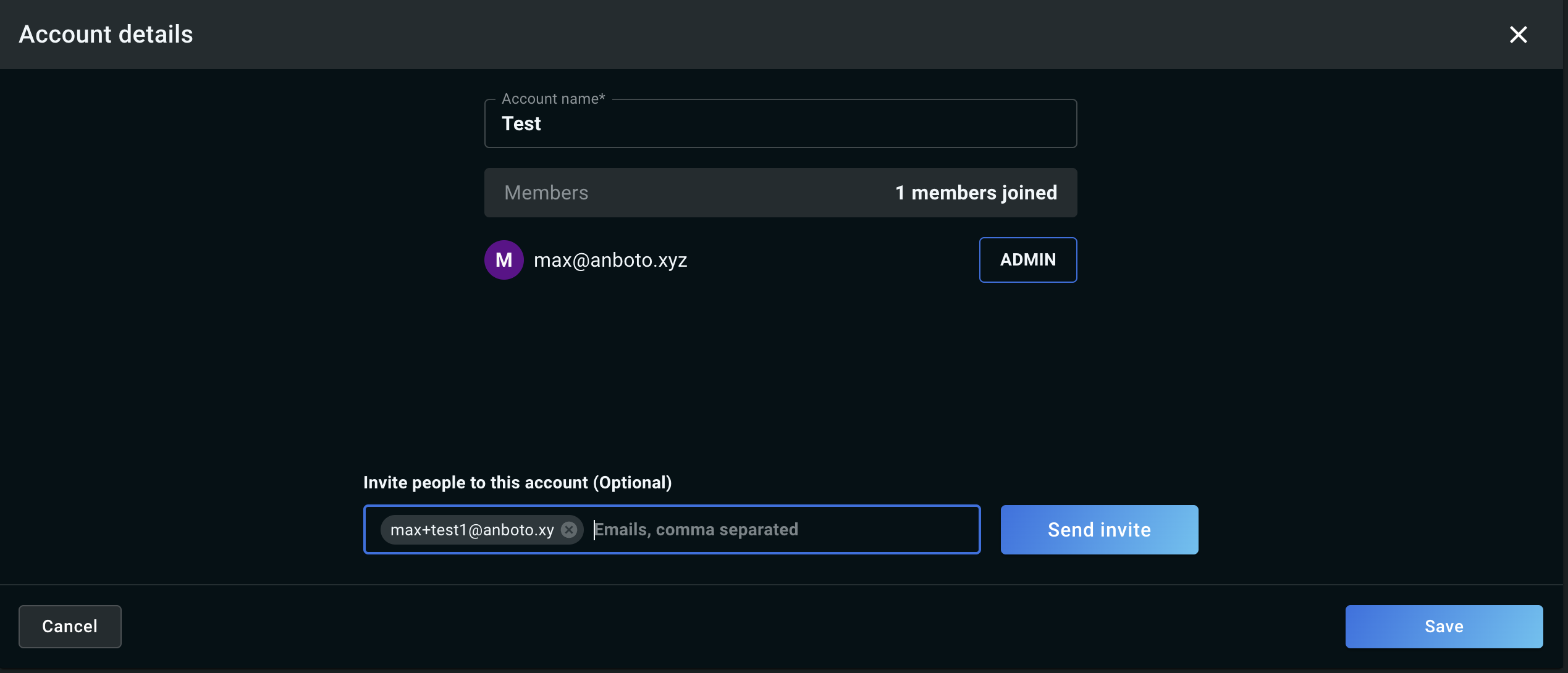
Step 3: Click Save to close the screen. The invites go out on send.
Step 4: Your team members receive the invite by email and can complete onboarding by clicking the link in the message.
Step 1: Select Create account.
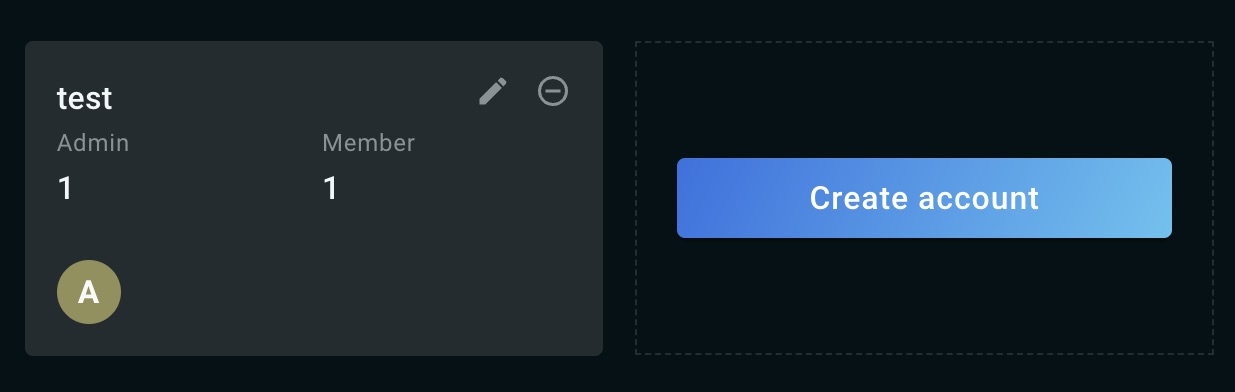
Step 2: Fill in the Account name and add the email addresses of the team members you want to invite, then click Save.
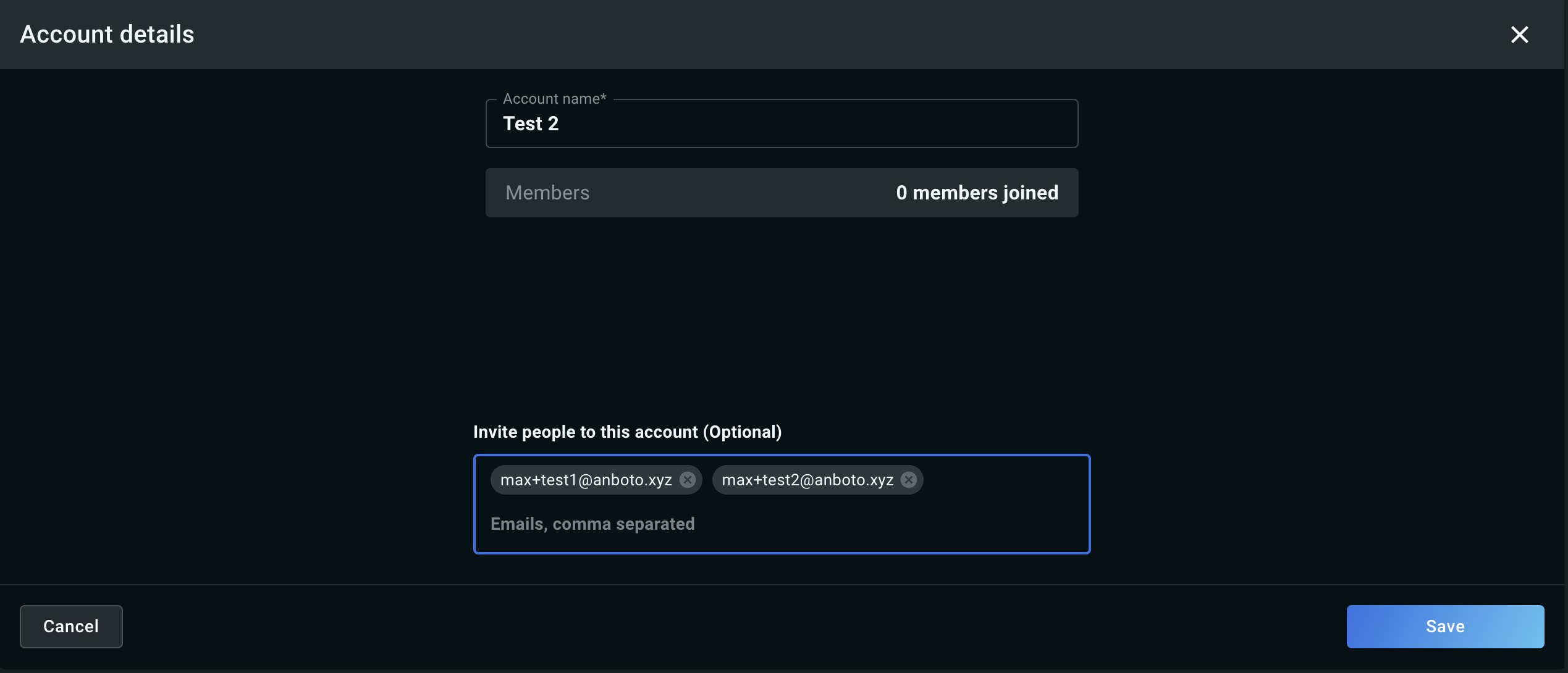
Step 3: The confirmation screen lists the account and the members you invited. Click Save to close it — the invites are already on their way.
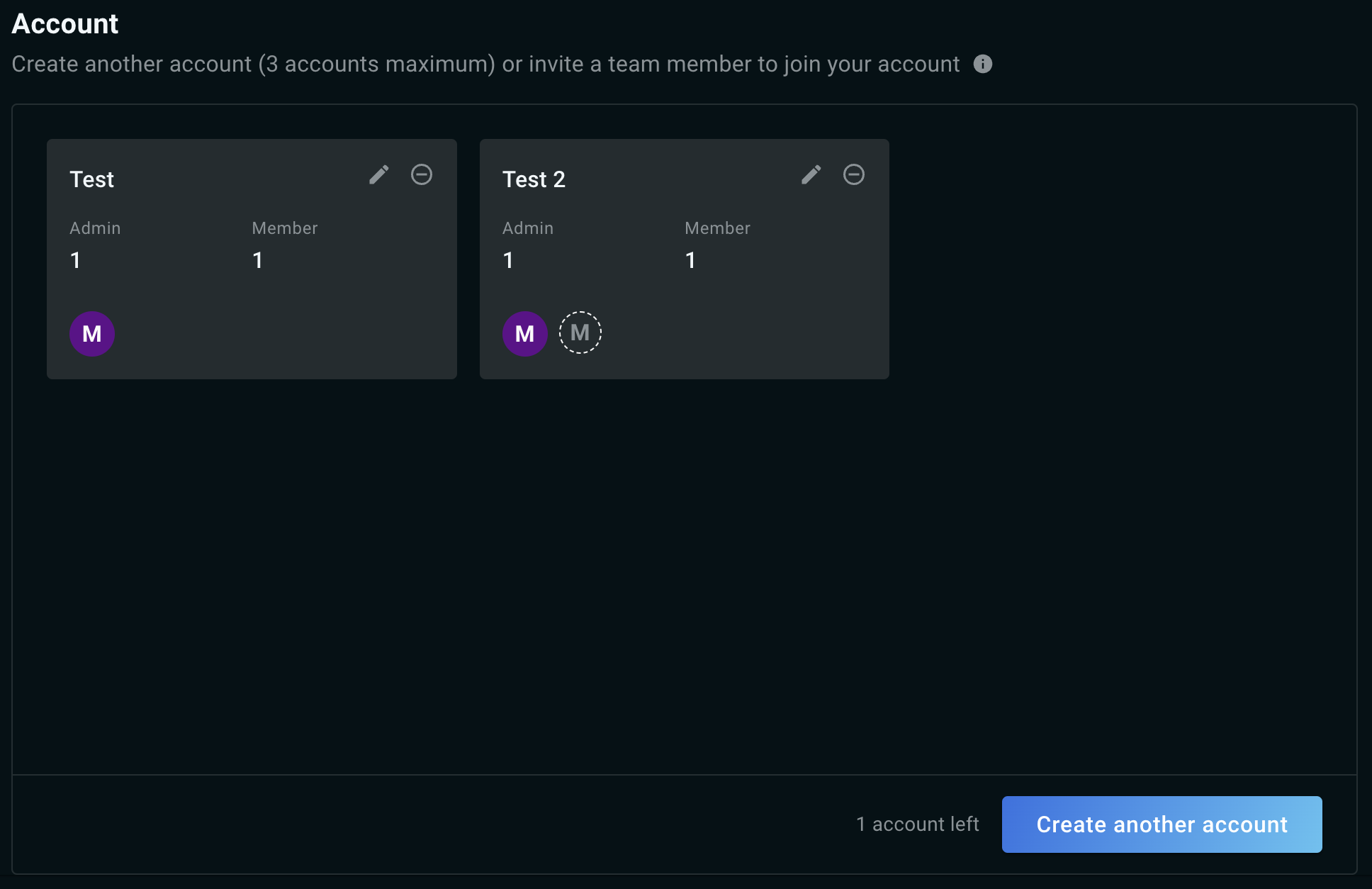
Step 4: Your team members receive the invite by email and can complete onboarding by clicking the link in the message.
Step 1: Select Create account.
Step 2: Fill in the Account name and enter your personal email address, then click Save.
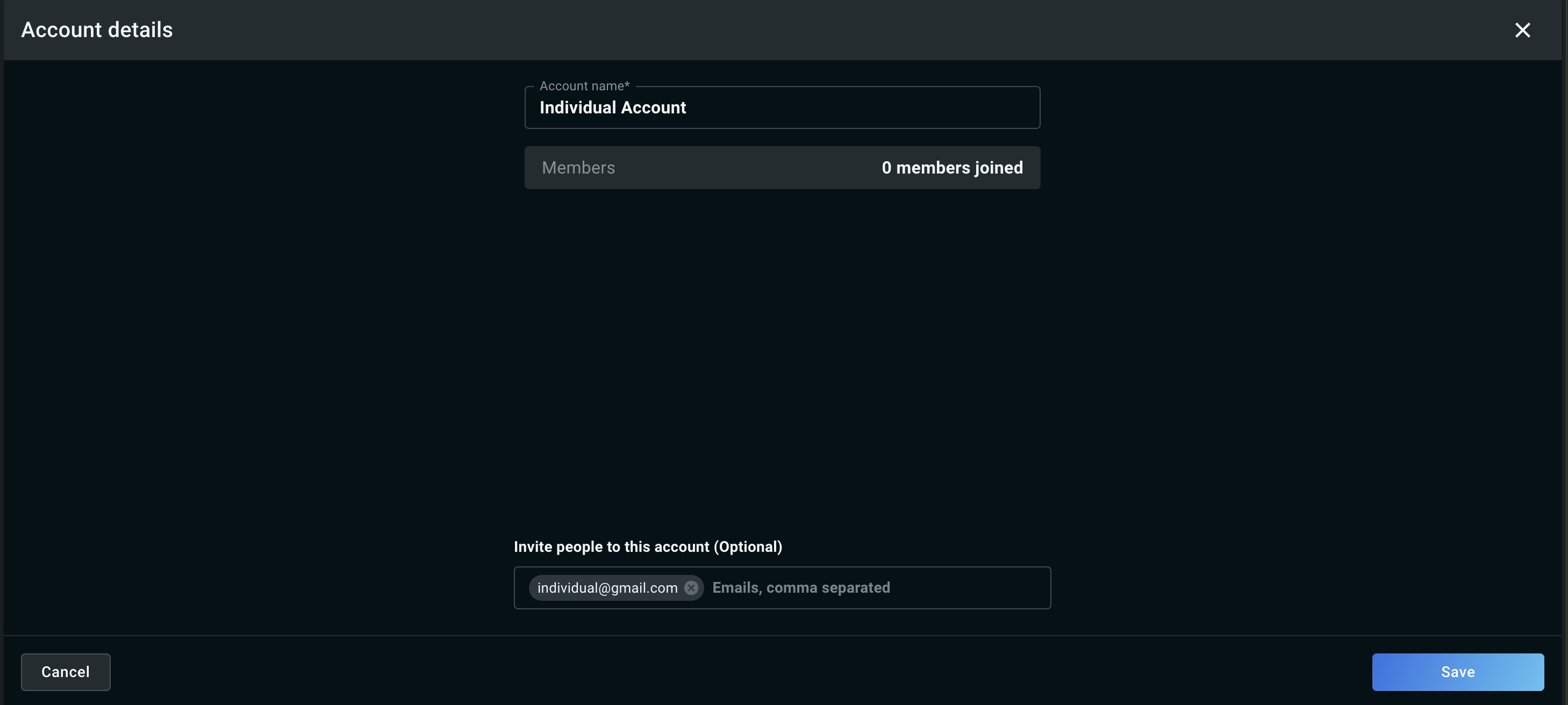
Step 3: Your individual account is created and the invite is sent to your personal email address — you're done.
Sign-in and account security#
Sign-in is protected by a password and, optionally, a one-time code from an authenticator app. To change either, open Settings → Security (Security) — the same page that holds the Password and Two-factor cards.