Connect Exchanges#
To use Anboto's execution tools, connect your trading venues to the platform. Anboto is non-custodial — it executes on your own venue accounts and never holds your funds. Supported venues are centralized exchanges (CEXs), OTC liquidity providers, and perp-DEXs.
Looking for the API reference?
Programmatic access lives in the Anboto Trading API docs. The rest of this guide covers the trading app only.
General flow#
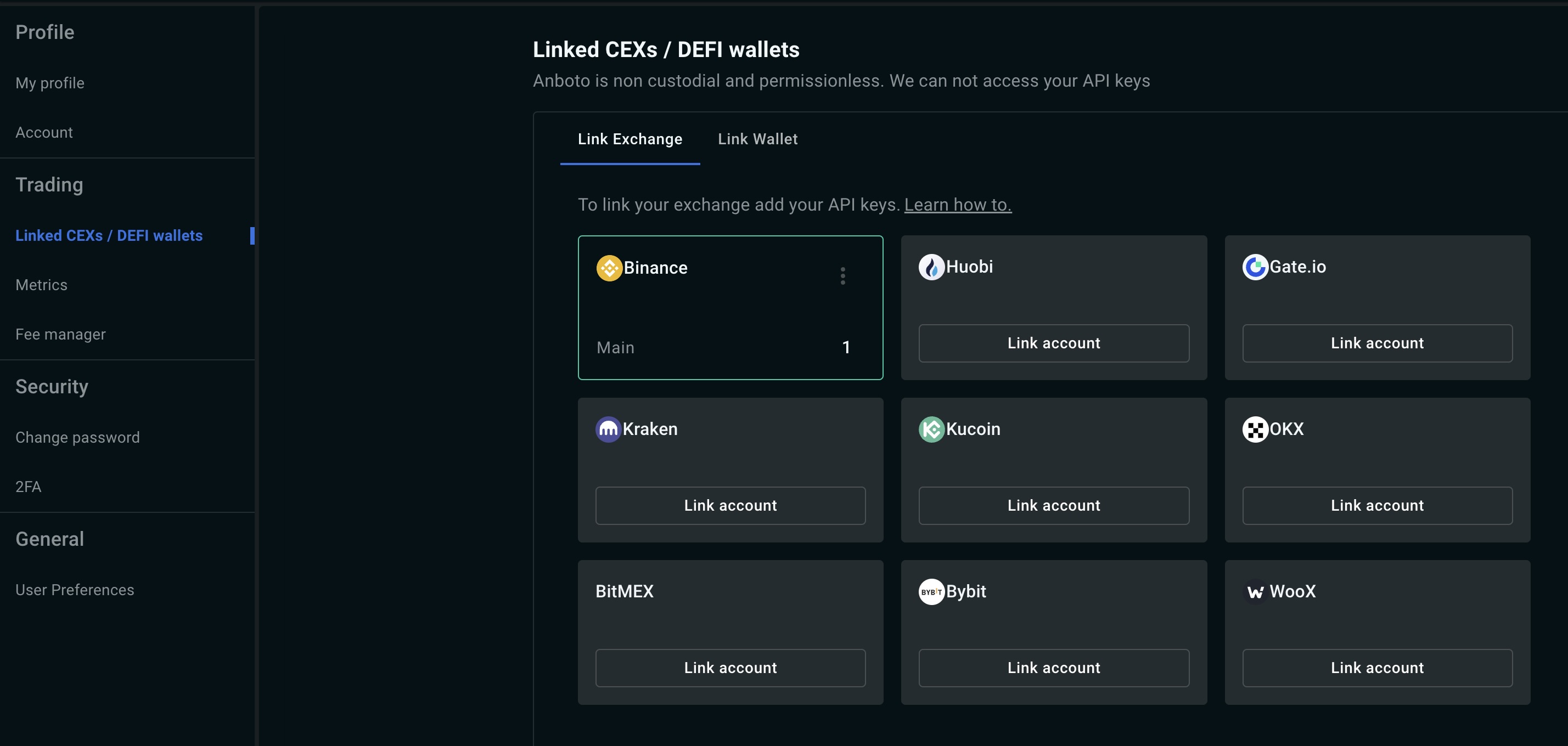
- Log in to pro.anboto.xyz and open Settings (top right) → Linked Exchanges.
- Pick the tab for your venue type: Link CEX, Link OTC, or Link Perp-DEX.
- On the venue side, create an API key with read and trade permissions only, restricted to Anboto's IP allowlist (CEX and OTC venues — see IP allowlist below).
- Click the venue's tile, enter the credentials, and save. Seven of the sixteen supported venues need a third credential alongside key and secret — a passphrase, application ID, or account ID; the venue support matrix shows which. Kraken takes two key pairs instead: a spot key and secret, plus an optional futures key and secret for futures trading (see Connect Kraken).
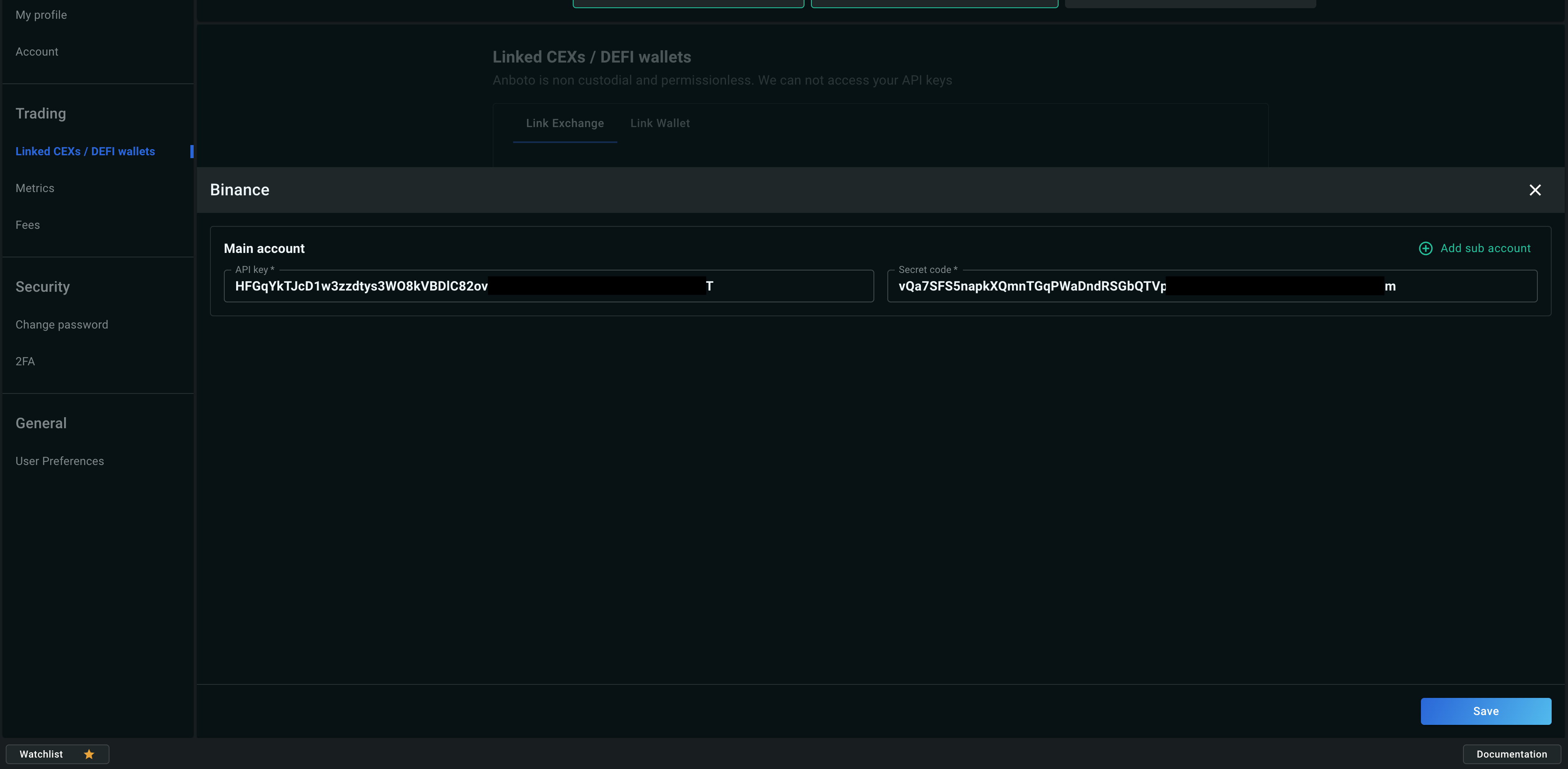
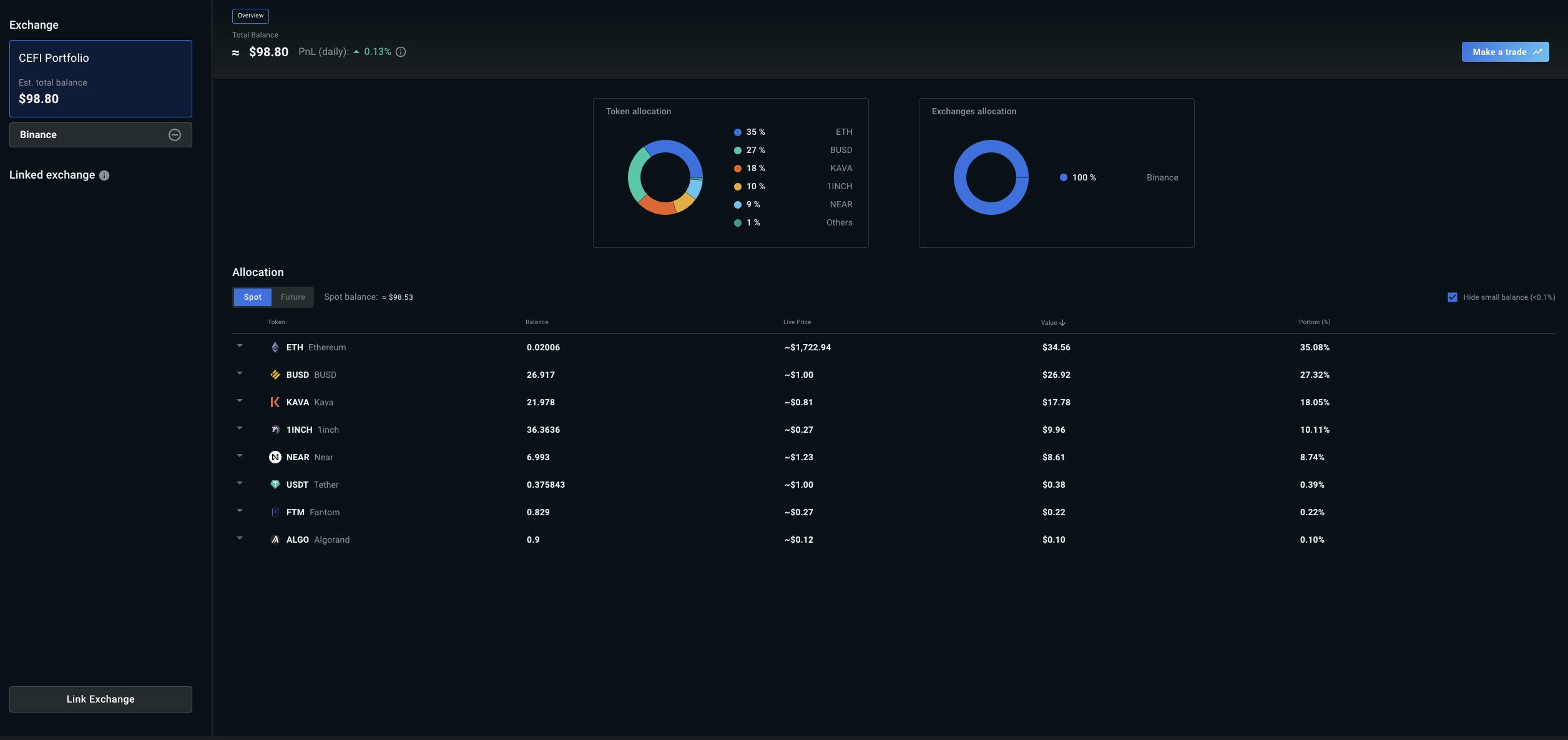
After saving, Anboto validates the key against the venue and shows an inline error if it is invalid — most commonly because the IP allowlist has not been applied yet or a permission is missing. Once validated, the venue shows as connected and its balances appear in your Portfolio.
IP allowlist#
Restricting your API keys to Anboto's IPs means the keys are useless to anyone who obtains them elsewhere.
- The allowlist is specific to your Anboto account. Find your IPs in the app on Settings → Linked Exchanges: click an individual IP to copy it, or use Copy all for the full list. Never copy IPs from documentation or from another account.
- Most exchanges accept the list comma-separated; Binance expects the IPs separated by spaces.
- Perp-DEXs have no exchange-side allowlist. Hyperliquid, Lighter, and Extended authenticate with a signer or key pair rather than an IP-restricted exchange API key, so there is nothing to allowlist there — the step applies to CEX and OTC connections.
Key security#
- Create keys with read and trade permissions only — never enable withdrawal. Anboto does not need withdrawal access to your funds.
- Remove optional permissions you do not use (transfers, copy trading, NFT, and similar).
- See API Key Security for how Anboto stores and protects your keys.
Per-venue guides#
Each venue has its own step-by-step guide — exchange-side key creation, required permissions, and the fields to fill in on Anboto:
If you have any questions, reach out to Customer Support (via Telegram) from the top-right corner of pro.anboto.xyz.